Reference files
The Reference Files page is where you load supporting data that the rest of the application looks up. At this time, the page supports the eMASS POA&M only.
Loading an eMASS POA&M
Section titled “Loading an eMASS POA&M”-
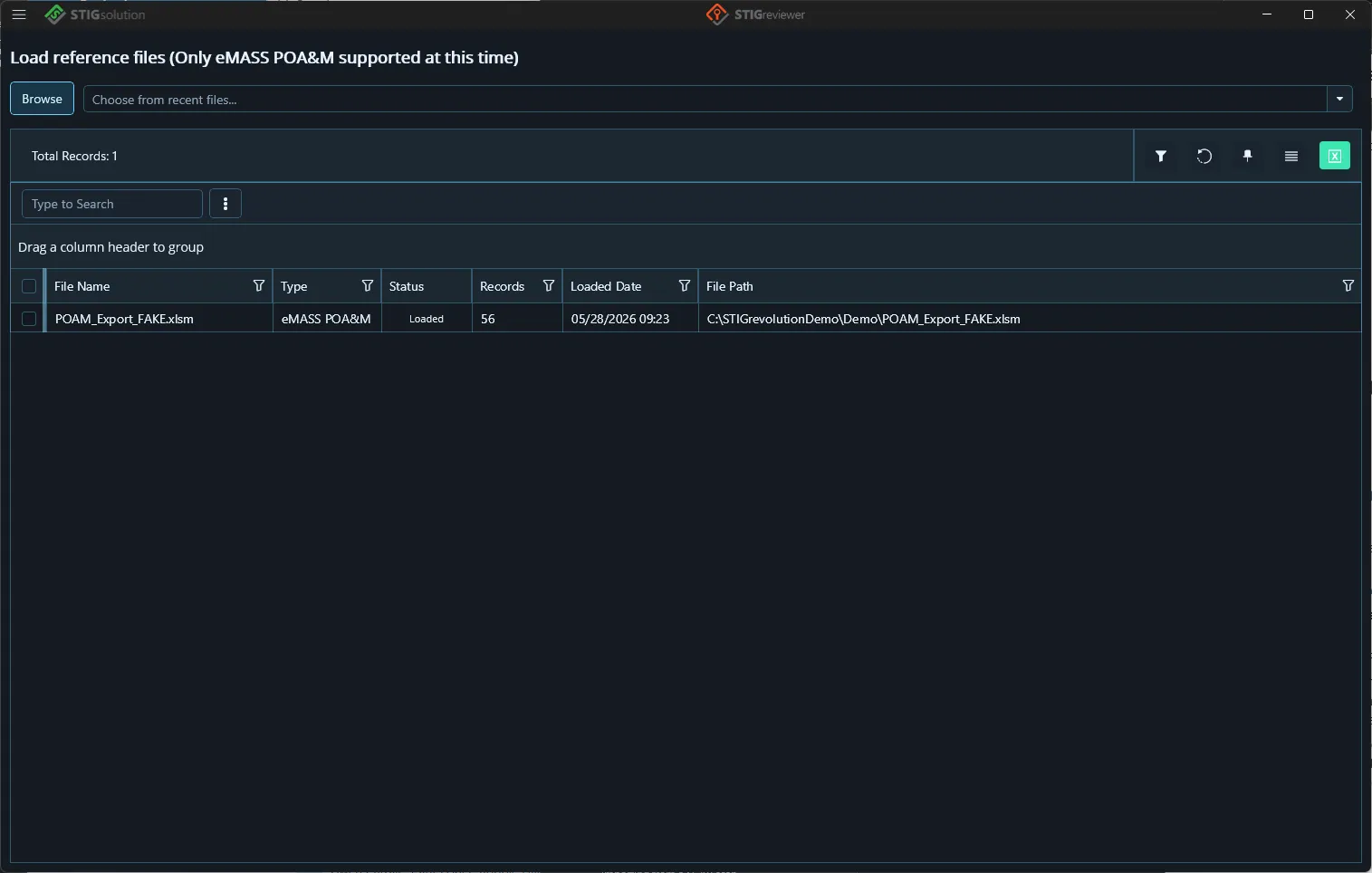
Click Browse, or pick a recent file from the Choose from recent files drop-down, or drag and drop the file onto the page.
-
Select your POA&M Excel file. Accepted file types are .xls, .xlsx, and .xlsm.
-
Loading a large POA&M can take a few moments. The progress text shows the percentage as STIGreviewer analyzes records. When it finishes, an alert tells you how many records were loaded.
Each loaded file appears in the grid with its file name, type, status (Loaded / Loading… / Error), record count, the date it was loaded, and its full file path. Use the checkboxes and the Remove button to unload a file.